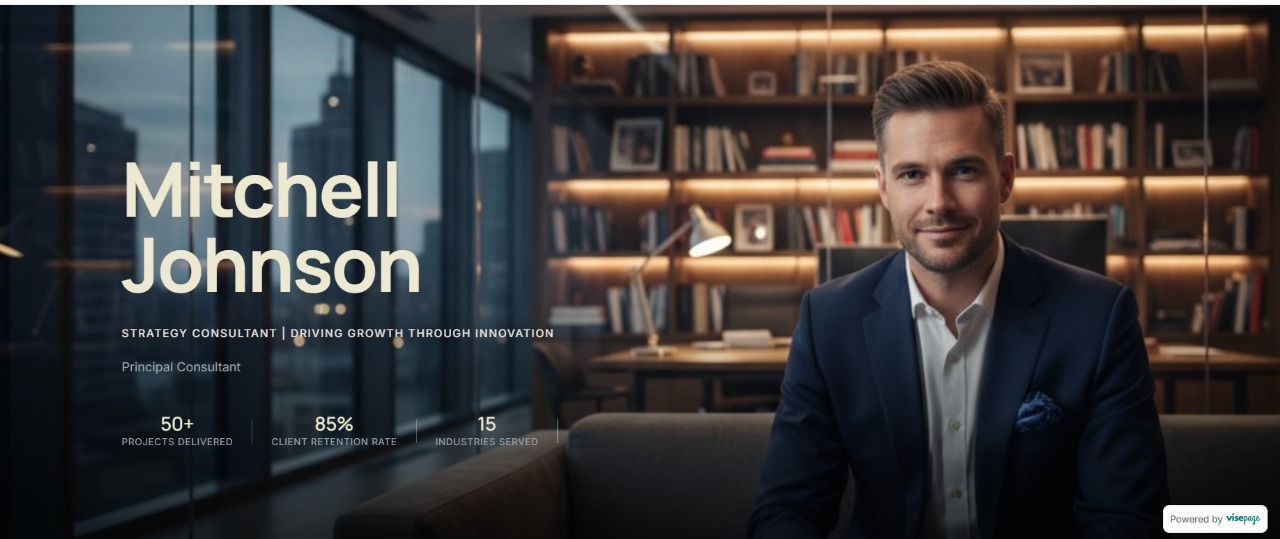
Aurum
BioModern bio template showcasing your expertise and achievements with a clean, golden touch.
Import your profile. AI writes your copy. Publish a professional website in 30 minutes - no design skills needed.
Architecting
Corporate Scale.
I help Fortune 500 leadership teams navigate digital transformation and optimize capital efficiency.

Strategic Advisor to Series B+ Startups | Ex-McKinsey & Company | Risk Mgmt
Trusted by professionals from





Years of expertise. Impressive LinkedIn. But when prospects Google you? A profile that looks like everyone else's.
"Prospects Google you. They find a LinkedIn profile." — The silent deal breaker.
One scroll from 47 other experts offering the same thing.
Too busy serving clients to attract new ones.
Paste your profile URL or upload your résumé. VisePage securely imports your details.
AI transforms your LinkedIn into website copy. Pick a template. Make it yours
Connect your domain. Hit publish. Your website is live.
Stop wrestling with complex website builders. VisePage does one thing well: turn your LinkedIn into a website that books clients.
Designed for professionals who sell expertise. Choose a template. Customize colors. Done.
yourname.com — not someone else's platform. Build authority on your name.
Review it. Edit it. Approve it. You're in control.
"Managed team of 10 people..."
"Led a high-performance team of 10, driving 30% YoY growth."
Calendly and Cal.com built in. Visitors book. No email ping-pong.
Stripe integrated. Charge for discovery calls instantly.
Contact form included. See inquiries in your dashboard. Export anytime. Your leads, your data.
John Doe
Project Inquiry
Sarah M.
Consultation
Select from our curated collection of SEO-optimized, blazing-fast templates that look stunning on every device.
Modern bio template showcasing your expertise and achievements with a clean, golden touch.
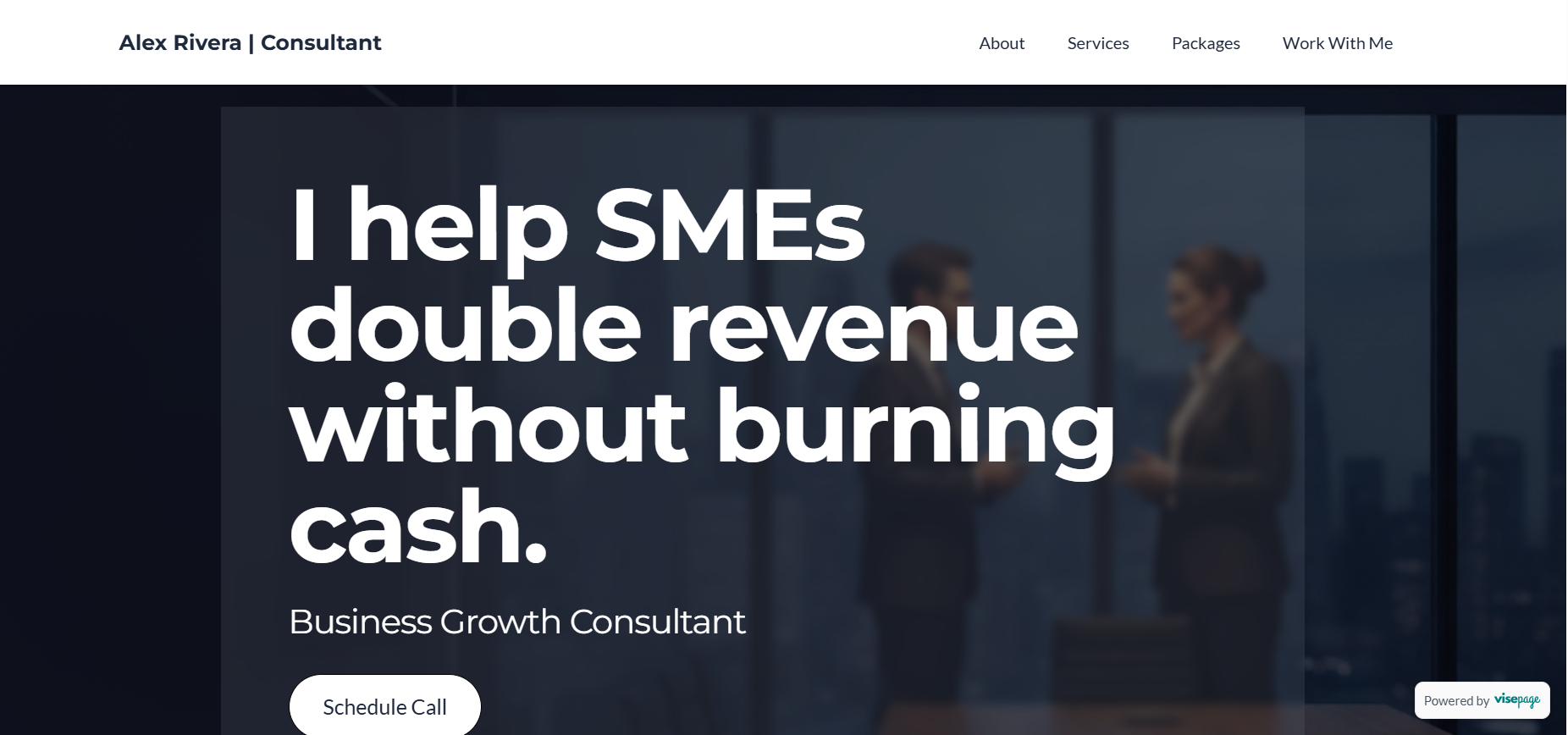
An elegant, data-focused template crafted to showcase your services and performance to build client trust.
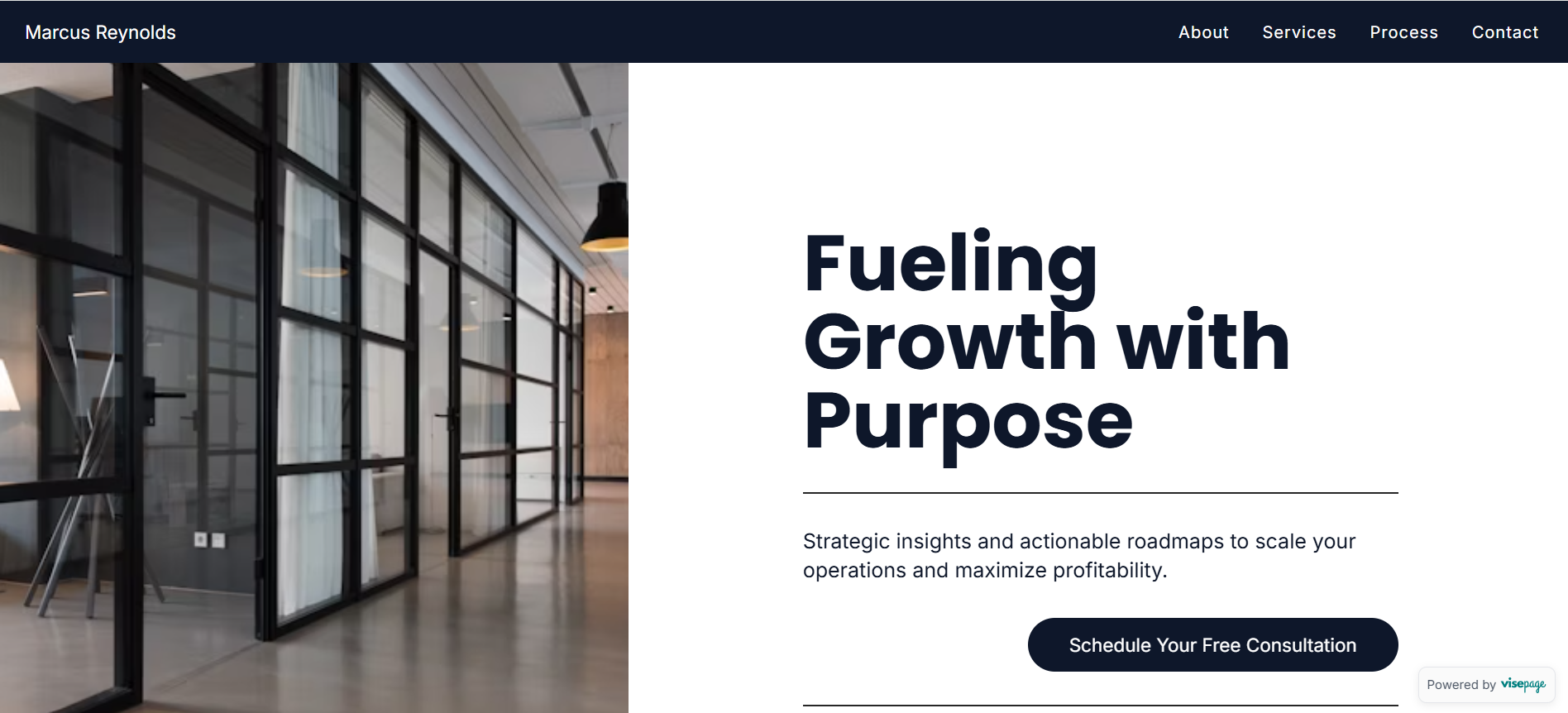
A modern consultant portfolio template designed to showcase expertise and convert clients with a strategic layout.
"I'm embarrassed to admit this, but I'd been telling myself I'd 'build a proper website' for almost four years. Four years of sending prospects to my LinkedIn."
Fractional CFO
"Last Tuesday, I had a gap between client calls. Thought I'd just 'try' VisePage. Fifty minutes later, I was staring at a live website. I actually said 'wait, that's it?' out loud."
Architect
"The AI took my LinkedIn summary — which was basically corporate word salad — and made me sound like someone I'd want to hire. Should've done this years ago."
Consultant
Refined tools for serious professionals.
Start free. Upgrade when ready.
Forever. No credit card.
What's included
Billed annually at $99 · Save 33%
or $12/month billed monthly
Everything in Free, plus
30-day money-back guarantee
Everything you need to know about turning your LinkedIn into a website.
VisePage is an AI-powered website builder that imports your LinkedIn profile and transforms it into a professional website. Unlike traditional website builders, you don't start from a blank page — your content is already there. Most users go from signup to published website in under 30 minutes.
Three steps: First, connect your LinkedIn profile — VisePage imports your experience, education, skills, and recommendations automatically (about 60 seconds). Second, AI transforms your LinkedIn content into compelling website copy (2 minutes). Third, choose a template, customize colors, add your Calendly link, and publish (15-20 minutes). Total time: approximately 30 minutes.
Four key differences: VisePage imports your LinkedIn profile automatically — you don't start from scratch. AI writes your website copy — no staring at a blank page. Built specifically for professionals who sell expertise — not restaurants or e-commerce stores. And it takes 30 minutes, not a weekend. The trade-off: VisePage is intentionally focused. If you need a complex multi-page site with a blog and store, use Wix. If you need a professional website that books clients, use VisePage.
No design skills required. VisePage provides professionally designed templates built specifically for consultants, coaches, and experts. Choose a template, optionally adjust colors to match your brand, and publish. If you can update your LinkedIn profile, you can use VisePage.
Yes. All paid VisePage plans include custom domain support. You can connect a domain you already own (like yourname.com) in just a few minutes. Free accounts use a visepage.com subdomain (yourname.visepage.com), which you can upgrade anytime.
VisePage offers three plans: Free ($0 forever) includes LinkedIn import, one AI rewrite, and a visepage.com subdomain. Starter ($99/year or $8/month) adds custom domain, removes branding, and includes 5 AI rewrites per month. Pro ($199/year or $16/month) includes unlimited AI rewrites, Stripe payment integration, and advanced analytics. All paid plans include a 30-day money-back guarantee.
You have complete control. The AI generates a starting point based on your LinkedIn content, but you can edit every word. Don't like a headline? Change it. Want to adjust the tone? Rewrite it. You can also regenerate sections with different AI prompts. Most users find the AI gets them 80% of the way there, then they polish the remaining 20% to match their voice perfectly.
Yes. VisePage integrates with Calendly, Cal.com, and other popular scheduling tools. Add your booking link and visitors can schedule calls directly from your website. This is the primary way VisePage sites convert visitors into clients — no email back-and-forth required.
Yes. The Pro plan includes Stripe integration, allowing you to accept payments directly on your website. This is useful for charging for discovery calls, selling digital products, or collecting deposits before consultations. Payments go directly to your Stripe account — VisePage doesn't take a cut.
Yes. VisePage uses LinkedIn's official OAuth to import your profile — we never see or store your LinkedIn password. We only import public profile information (the same data anyone can see when viewing your profile). Your data is stored securely and you can delete your account and all associated data at any time.
Yes. Your website is never "locked." Log in anytime to update your content, change your template, add new sections, or re-import your LinkedIn profile if you've updated it. Changes publish instantly — no waiting for deployments or approval.
If you cancel a paid plan, your site reverts to the free tier at the end of your billing period. Your content is preserved — you won't lose anything. Your custom domain will disconnect (you'll switch to a visepage.com subdomain), and VisePage branding will appear. You can re-upgrade anytime to restore premium features.
Still have questions? Contact Us
Strategies for the modern professional.

Artificial intelligence is democratizing web design. See how professionals are building agency-grade sites in minutes.
The paper business card is dead. Your digital footprint matters more than ever in networking.
In a crowded market, a LinkedIn profile is just a resume. A website is a sales channel.
Don't just copy-paste. Learn how to translate your CV into a compelling narrative.
How automation is freeing up time for professionals to focus on what they do best: their work.
You've spent years building expertise that changes businesses. Now it's time for an online presence that reflects that magnitude.
No credit card required | 30 minute setup